

Why tracking stocks in Excel becomes limiting as portfolios grow, prices move faster, and real-time data matters more.
Trading Strategies
December 18, 2025


Table of Contents
Excel is useful for organizing trades, but it has a hard limitation: it doesn’t track stock data for you. Prices, valuation metrics, earnings dates, and updates all have to be added manually or refreshed one by one. That’s manageable when you’re tracking a few positions, but it quickly becomes a bottleneck as your portfolio grows. The spreadsheet stays static while the market keeps moving.
Still, Excel earns its place because of what it forces you to do. By logging entry prices, share counts, and price changes over time, it creates a clear record of decisions and outcomes. Profit and loss become tangible because every move is translated into real dollars. Patterns show up naturally — which entries worked, which didn’t, and how different trades behaved along the way. That visibility alone can make investors more disciplined.
Where Excel starts to fall short is when timing and context matter. It can’t alert you when a stock hits a price target, a valuation changes, or earnings are approaching. It can’t connect performance to the events driving it. That’s usually the point where investors want the same clarity Excel provides, but with live prices, automatic updates, and alerts without manually maintaining a spreadsheet.
If you’ve ever felt weighed down by endless spreadsheets, that’s usually a sign you’ve outgrown them.
The LevelFields Portfolio app is designed for investors who want the same structure Excel provides, but in a live environment that updates automatically. Instead of juggling multiple files, formulas, and notes, everything lives in one centralized dashboard — your stock ideas, active holdings, closed trades, and the reasoning behind each decision.
Getting started is straightforward. You can import your existing tickers with a simple CSV upload, and your watchlist and portfolio populate instantly. From there, prices and profit and loss update in real time, so you’re always seeing the current picture without manual refreshes.
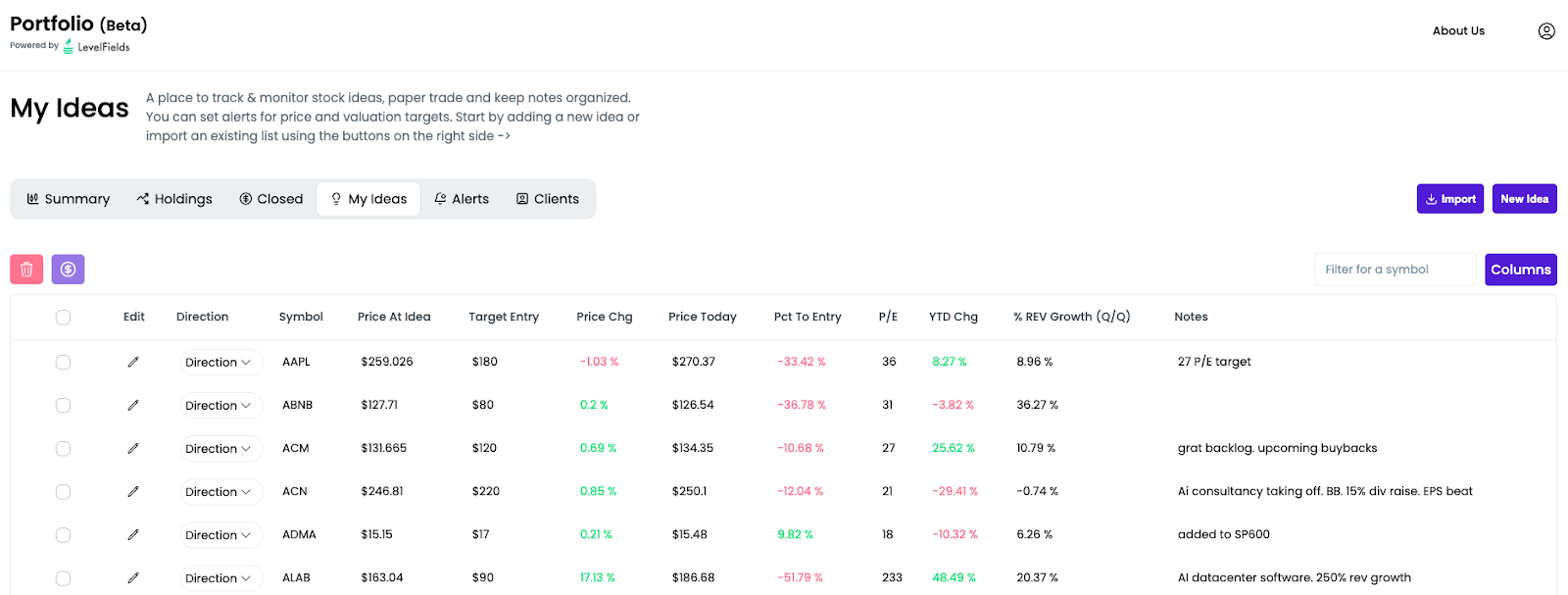
One of the biggest pain points with spreadsheets is alerts — or the lack of them. LevelFields solves this by letting you set global alerts across your portfolio instead of managing notifications one ticker at a time.
You can define price targets or valuation levels once, and get notified whenever any stock in your portfolio hits those conditions. That means fewer settings to manage and fewer missed opportunities. Entries and exits become easier to time because the system is watching for you.
LevelFields makes it easy to move a ticker from an idea into a live position with a single click, while keeping your original thesis and notes intact. As the trade plays out, you can track profits in real time and see upcoming earnings reports right alongside your portfolio data.
When a trade is closed, the platform doesn’t just move on — it helps you review what happened. You can look back at performance trends, see which types of trades worked best, and spot patterns in your own decision-making. That feedback loop is something spreadsheets struggle to provide without a lot of manual effort.
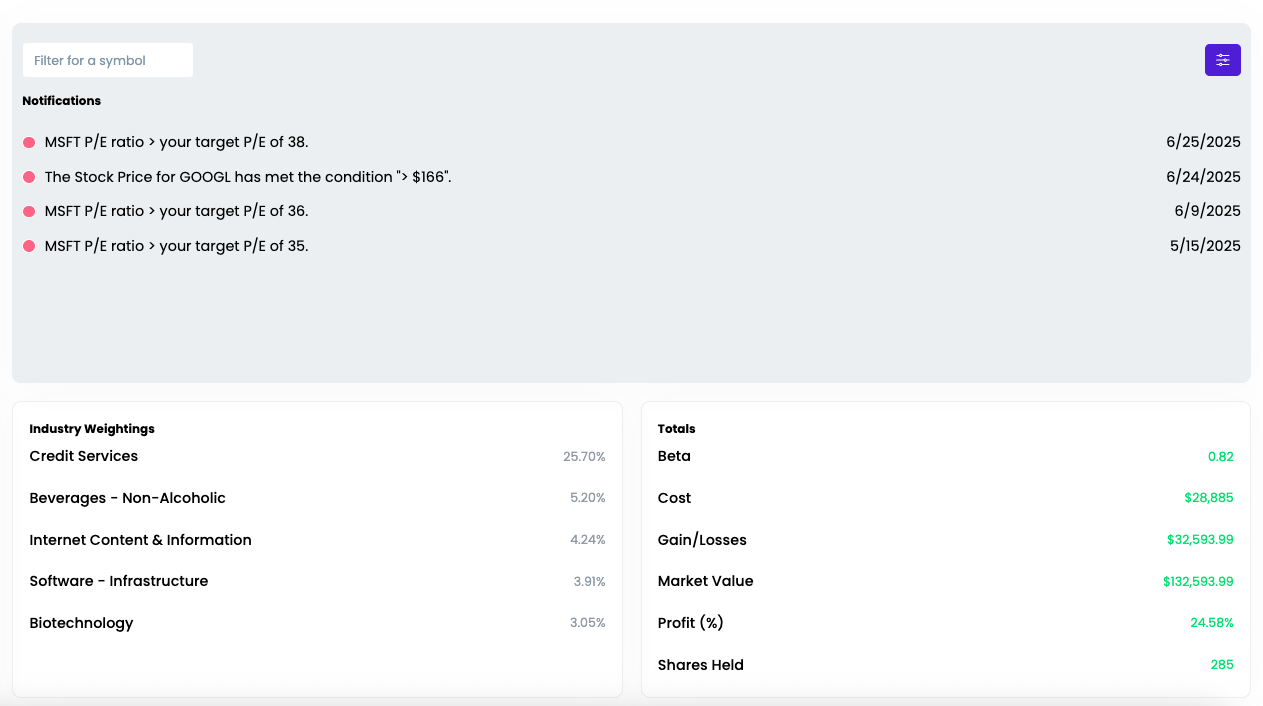
Excel teaches discipline by forcing you to face the numbers. LevelFields keeps that discipline, but removes the friction that slows investors down as portfolios grow.
It’s a simple, intuitive system built to help traders and investors focus on decisions — not spreadsheet maintenance. If you like how Excel sharpened your thinking, the LevelFields Portfolio Tracker is a natural next step.
You can sign up and start using it for free.
Join LevelFields now to be the first to know about events that affect stock prices and uncover unique investment opportunities. Choose from events, view price reactions, and set event alerts with our AI-powered platform. Don't miss out on daily opportunities from 6,300 companies monitored 24/7. Act on facts, not opinions, and let LevelFields help you become a better investor.

AI scans for events proven to impact stock prices, so you don't have to.
LEARN MORE